
To access remote desktop and application services, please follow the instructions below.
Your login details would have been provided via a Self Destruct Message
(if you do not know your login details - please request the details again by sending a support ticket to support@digitaldynamics.com.au )
Go to https://portal.digitaldynamics.au to access the Remote Access Secure Gateway.
If you are logging in for the first time, to gain access, you will need to go through the Multi-factor authentication setup.
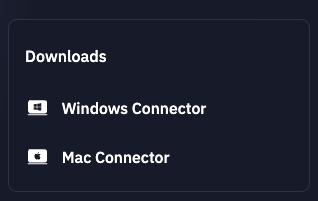
Once logged in, you will see a Downloads section

Select your Workstation operating system and download and install the software (if possible)
Once installed, open the software on your workstation.
When presented with a login screen - use the same login details. (You can also tick the Remember Me option)